
A
Crawl & learn (privately)
Build a Q&A knowledge base from your historical Gmail — processed locally on your device with no data sent to external servers.
MailMinion builds a local Q&A knowledge base from your historical Gmail data and drafts intelligent, ready‑to‑edit replies using a local language model. No external servers, no data sharing, just effortless customer service.
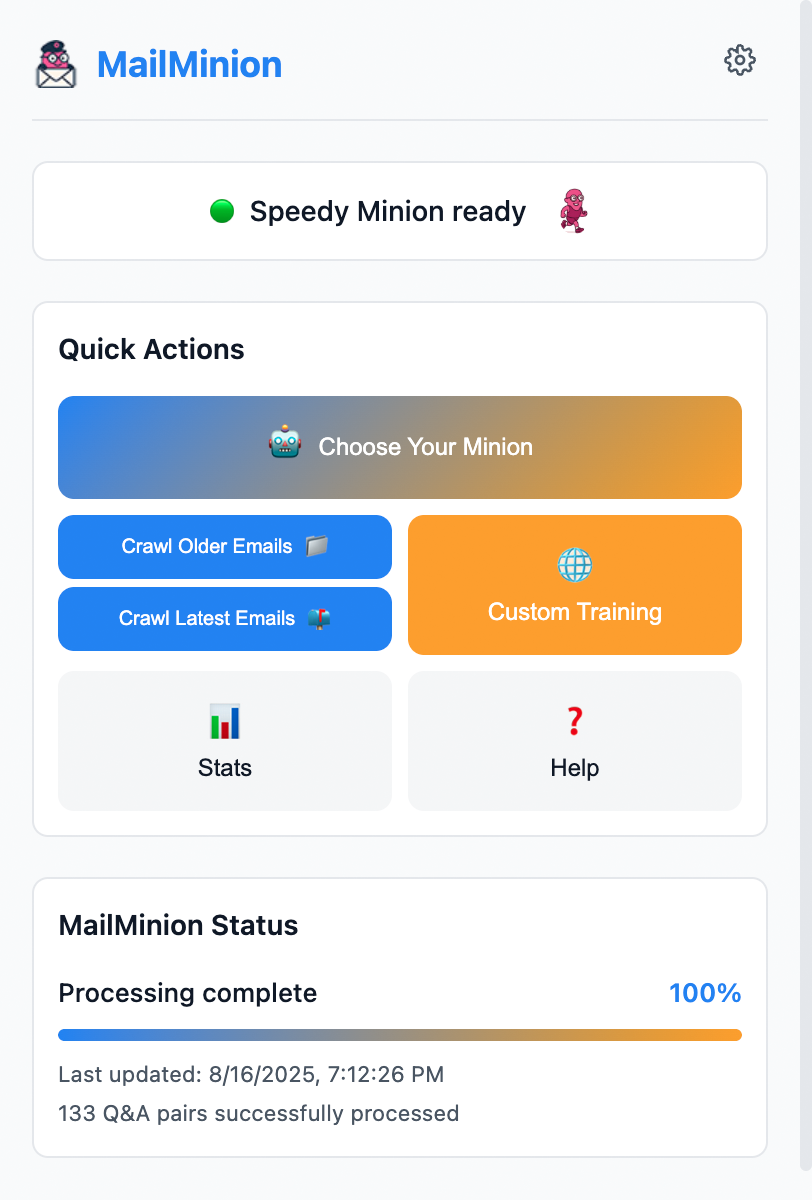
Build a Q&A knowledge base from your historical Gmail — processed locally on your device with no data sent to external servers.
Use on‑device models to draft intelligent replies you can review and send in seconds.
Optionally extract your own FAQ content or add manual Q&A pairs to support your customer service workflow.
Read‑only Gmail OAuth, permission minimization, and an explicit Privacy Policy for Chrome Web Store compliance.
One‑time OAuth consent in Chrome to read your Gmail. Tokens remain on your device.
MailMinion scans your email threads and extracts Q&A pairs locally — nothing leaves your computer.
Choose from several on‑device LLMs optimized for speed, balance, or accuracy. No server calls.
MailMinion drafts context‑aware responses you can edit and send in seconds, directly in Gmail.
No. All data processing is local. We don’t send your customer data or personal content to servers.
Read‑only Gmail access, storage for local data, and optional host permissions for page extraction when you click.
Efficient on‑device models (WebAssembly) downloaded from public CDNs.
Yes — there’s a one‑click “Delete all local data” button in the extension’s settings.